Tales & Trope
Digital coloring pages-Flourish & Fiction: Chapter 3
Digital coloring pages-Flourish & Fiction: Chapter 3
Couldn't load pickup availability
📚 Digital Coloring Book Chapter ***Instant Download
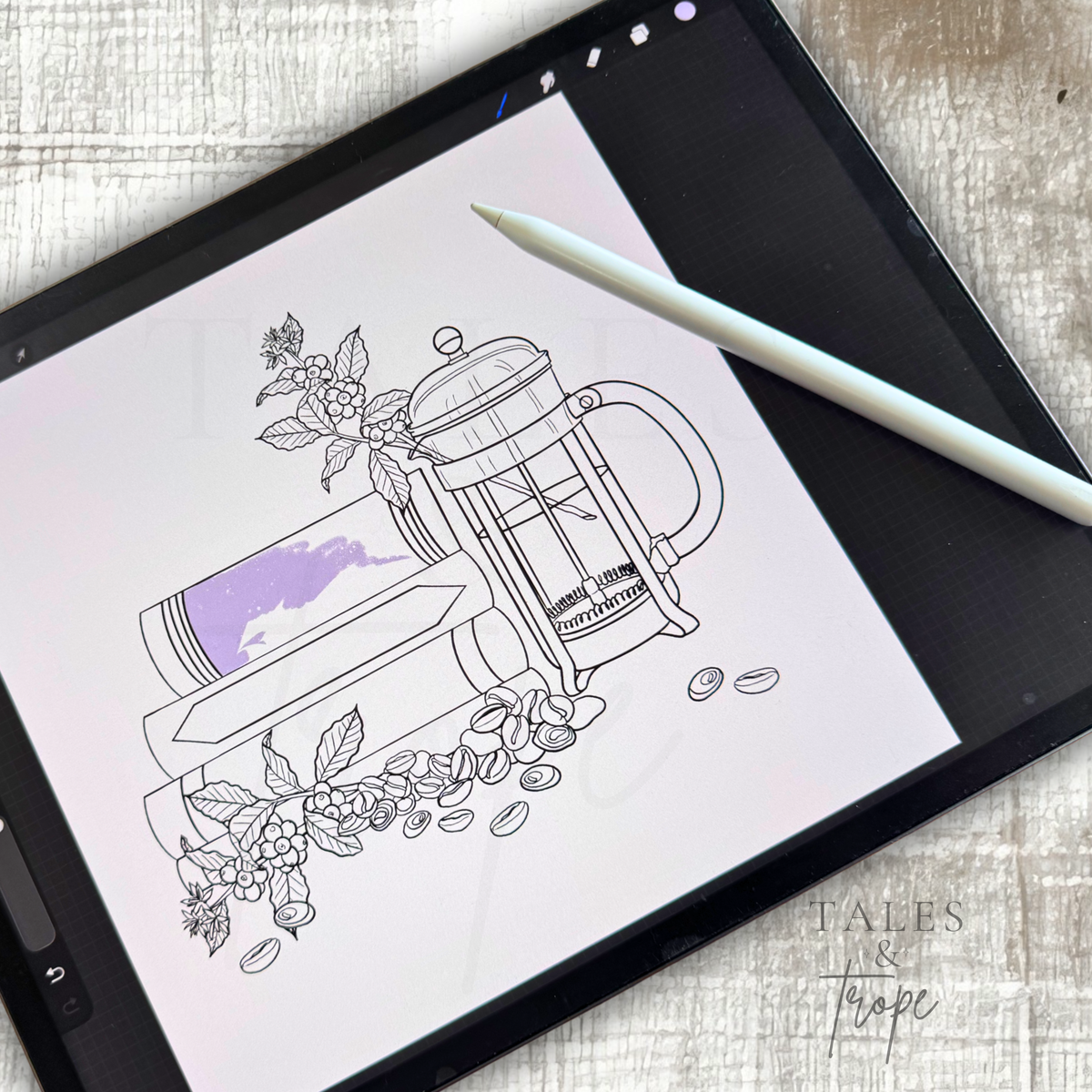
Step into a cozy world of creativity with this 10-page digital coloring book chapter designed for book lovers, dreamers, and anyone who enjoys a relaxing escape through art.
Each chapter is a carefully curated collection of illustrations inspired by the magic of reading, cozy spaces, and the little moments that make every story special. Color your way through these pages using your favorite supplies or bring them to life digitally on your iPad.
This is a digital download, no physical product will be shipped.
What’s Included
✨ 10 unique coloring pages
✨ High-resolution PDF file (ready for printing)
✨ Individual PNG files
✨ Individual JPEG files
✨ Procreate files for digital coloring
✨ Easy-to-follow download instructions
Perfect For
📖 Book lovers & reading enthusiasts
☕ Cozy hobby nights
🎨 Digital coloring on iPad
🖨️ Printing at home
🎁 A thoughtful gift for readers
🌿 Relaxation and mindfulness
Printing Recommendations
For the best coloring experience:
- Print at 100% / Actual Size
- Use high-quality print settings
- Recommended paper:
- 28–32 lb paper for colored pencils
- 60–80 lb cardstock for markers
Please Note
This listing is for a digital download only. No physical book will be mailed.
Files are for personal use only. Please do not redistribute, resell, share, or upload these files.
Love this chapter? The complete collection includes all three chapters plus exclusive bonus illustrations available only in the full edition.
🖤🖤🖤🖤🖤🖤🖤🖤🖤🖤
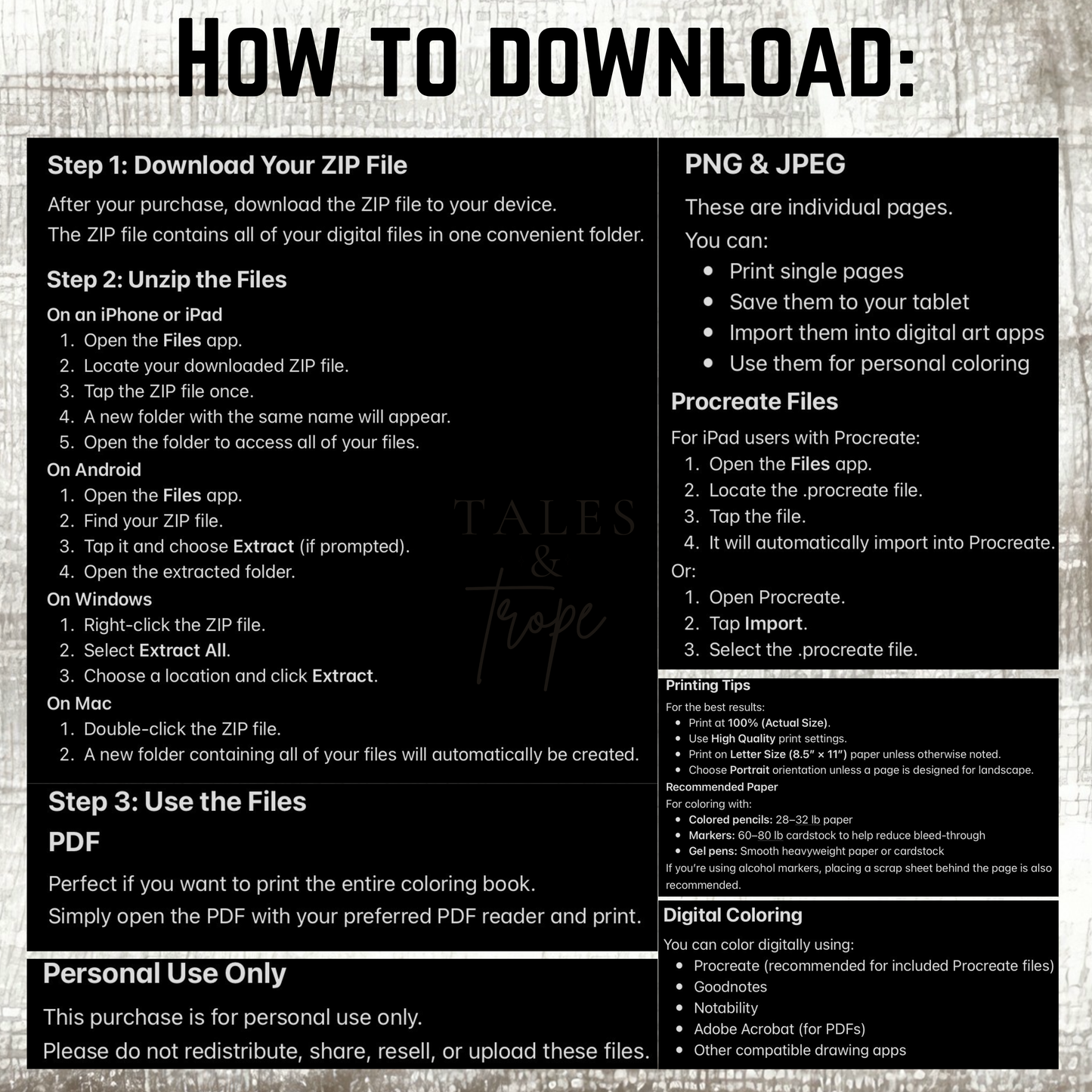
HOW TO DOWNLOAD:
Step 1: Download Your ZIP File
After your purchase, download the ZIP file to your device.
The ZIP file contains all of your digital files in one convenient folder.
Step 2: Unzip the Files
On an iPhone or iPad
- Open the Files app.
- Locate your downloaded ZIP file.
- Tap the ZIP file once.
- A new folder with the same name will appear.
- Open the folder to access all of your files.
On Android
- Open the Files app.
- Find your ZIP file.
- Tap it and choose Extract (if prompted).
- Open the extracted folder.
On Windows
- Right-click the ZIP file.
- Select Extract All.
- Choose a location and click Extract.
On Mac
- Double-click the ZIP file.
- A new folder containing all of your files will automatically be created.
Step 3: Use the Files
Perfect if you want to print the entire coloring book.
Simply open the PDF with your preferred PDF reader and print.
PNG & JPEG
These are individual pages.
You can:
- Print single pages
- Save them to your tablet
- Import them into digital art apps
- Use them for personal coloring
Procreate Files
For iPad users with Procreate:
- Open the Files app.
- Locate the .procreate file.
- Tap the file.
- It will automatically import into Procreate.
Or:
- Open Procreate.
- Tap Import.
- Select the .procreate file.
Printing Tips
For the best results:
- Print at 100% (Actual Size).
- Use High Quality print settings.
- Print on Letter Size (8.5” × 11”) paper unless otherwise noted.
- Choose Portrait orientation unless a page is designed for landscape.
Recommended Paper
For coloring with:
- Colored pencils: 28–32 lb paper
- Markers: 60–80 lb cardstock to help reduce bleed-through
- Gel pens: Smooth heavyweight paper or cardstock
If you’re using alcohol markers, placing a scrap sheet behind the page is also recommended.
Digital Coloring
You can color digitally using:
- Procreate (recommended for included Procreate files)
- Goodnotes
- Notability
- Adobe Acrobat (for PDFs)
- Other compatible drawing apps
Personal Use Only
This purchase is for personal use only.
Please do not redistribute, share, resell, or upload these files.
Thank you so much for supporting my artwork. I hope you enjoy bringing these pages to life!
Share